Favicon Size Guide: Every Size You Actually Need

"Favicon size" doesn't have one answer, because a favicon isn't one file anymore. Modern browsers, iOS home screens, Android, and Google's search results each expect a different pixel size. A single 16×16 icon covered everything in 2005. Today it looks broken or blurry in most of those places. Below is every size actually in use today, followed by the format question, which is where most guides stop and most people actually go wrong.
What Is the Favicon Size? Every Size You Need
| Size | Used for | Typical filename |
|---|---|---|
| 16×16 | Classic browser tab icon | favicon.ico (bundled) |
| 32×32 | Taskbar, bookmarks, retina browser tabs | favicon.ico (bundled) or favicon-32x32.png |
| 48×48 | Windows site shortcuts; the size Google itself displays in search results | favicon.ico (bundled) |
| 180×180 | Apple Touch Icon, iOS/iPadOS home screen | apple-touch-icon.png |
| 192×192 and 512×512 | Android home screen and PWA manifest icons | icon-192.png, icon-512.png |
A favicon.ico file can bundle several of those raster sizes (commonly 16, 32, and 48) into one container. The browser picks the frame that fits. That is why you only need one <link rel="icon"> tag for all three sizes. SVG favicons sidestep the whole table. An SVG has no fixed pixel size, so one file scales cleanly to any of the above. Older Safari and legacy browsers still need a raster fallback alongside it. This site's own setup is exactly that combination: a favicon.svg as the scalable source, plus a favicon.ico that, decoded, bundles a 48×48 and a 32×32 frame for browsers that don't read SVG favicons yet.
One important limit on this tool specifically: PasteDownloadApp converts format. It does not resize an image's pixel dimensions. Say you need a 512×512 icon from the table above, but your source photo is 4000×3000. This tool will give you a 4000×3000 file in whatever format you choose. It does not resize. Resize first in an image editor, then use this tool for the format and transparency step. That is what it is good at. Here is what each use case needs, backed by a real conversion of an actual 512×512 app icon.
Favicons and App Icons: Transparency Is the Whole Point
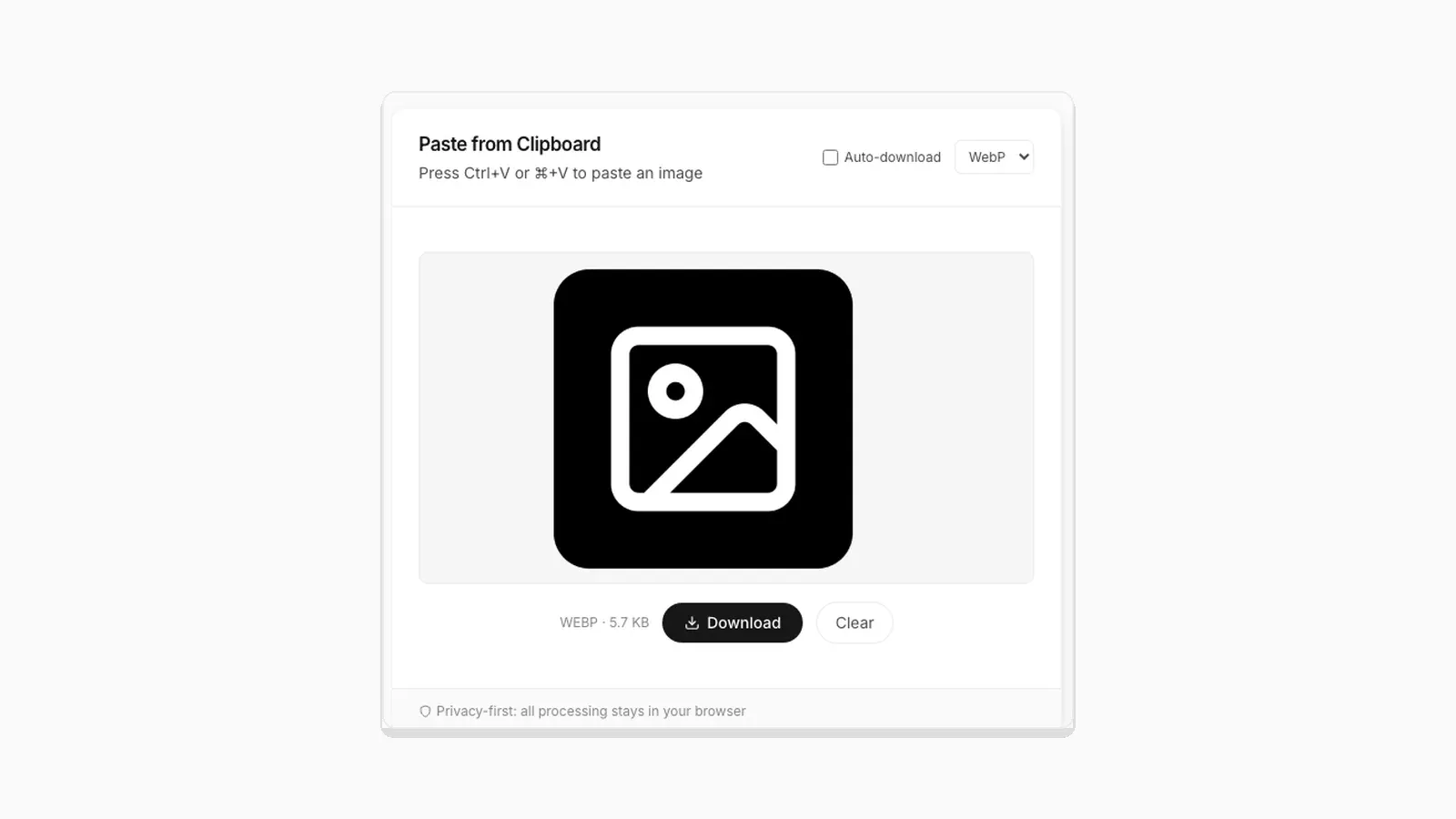
A favicon or app icon almost always needs a transparent background. That way it sits cleanly on a browser tab or home screen, regardless of theme. I ran this site's own 512×512 app icon (22.3 KB PNG with an alpha channel) through the conversion pipeline to see what each format does to it:
| Format | Size | Transparency |
|---|---|---|
| PNG (source) | 22.3 KB | Preserved |
| JPEG | 16.2 KB | Lost, filled with solid white |
| WebP | 5.7 KB | Preserved |
JPEG's smaller size is irrelevant here. It silently destroys the transparent background, replacing it with solid white. That looks broken the moment the icon sits on anything other than a white surface. For a favicon or app icon, the real choice is between PNG and WebP. PNG is the safest, most universally supported option. WebP came out 76% smaller in this test, with transparency intact, though not every icon-generation tool accepts WebP input. If you are working from an SVG source instead of a PNG, the rasterization quirks in converting SVG and ICO files apply here too.
Social Media Posts: JPEG or WebP, Rarely PNG
Social platforms recompress every image you upload, regardless of what you send them. So arriving with the smallest reasonable file saves upload time, without any visible quality cost. Unless the image needs transparency (a logo overlay, for instance), JPEG or WebP at PasteDownloadApp's default 92% quality is the right choice. Skip PNG for ordinary photos here. As shown in why re-saving a PNG can make the file bigger, re-encoding a photo as PNG through a browser tool typically produces a larger file. It ends up bigger than the JPEG or WebP alternative, with no quality benefit for content that started as a photograph.
Resumes: PDF Is Usually Right, But if It Must Be an Image
Most applicant tracking systems expect a PDF, not an image. That is the better target if you have a choice. Sometimes a system specifically asks for an image, a headshot upload, for example. In that case, PNG is the safer default if the image has any text or a logo with sharp edges. JPEG artifacts around text are a genuine reliability risk when a document might be read closely or printed. For a plain photograph with no text, JPEG at high quality keeps the file small without a visible downside.
Quick Reference
| Use case | Best format | Why |
|---|---|---|
| Favicon / app icon | PNG or WebP | Needs transparency; JPEG destroys it |
| Social media photo | JPEG or WebP | Platform recompresses anyway; smaller upload wins |
| Resume image upload | PNG if it has text, JPEG if it's a plain photo | Text needs sharp edges; photos don't |
Frequently Asked Questions
What is the favicon size?
There isn't one. Browsers use 16×16 or 32×32, Google's search results display 48×48, Apple Touch Icons for iOS are 180×180, and Android/PWA manifests want 192×192 and 512×512. A single favicon.ico can bundle the smaller raster sizes; an SVG favicon covers all of them with one scalable file.
What size favicon does Google use in search results?
48×48 pixels. If your favicon looks fine in a browser tab but pixelated or oddly cropped in Google's search results, the 48×48 frame is likely missing or was never included in your favicon.ico.
Do I need a separate icon for iPhone home screens?
Yes. iOS uses a 180×180 apple-touch-icon.png rather than the regular favicon. Unlike other favicon sizes, it needs an opaque background. iOS does not handle transparency and fills transparent pixels with solid black. Leave roughly 20px of padding around the artwork too, since iOS applies its own rounded-corner mask on top and can clip anything flush with the edge.
Can this tool resize my image to exact favicon dimensions?
No. It converts format but keeps the original pixel dimensions. If your source image is not already close to the target size, resize it first in an image editor, then convert the format here if needed.
Why does my icon look fine in the browser but broken when I use it elsewhere?
This is almost always a lost-transparency issue from converting to JPEG at some point in the pipeline. Check that every step, including any tool you used before this one, kept the file as PNG or WebP.
Is WebP safe to use for a resume upload?
Only if you know the receiving system accepts it. Many older upload forms and applicant tracking systems only recognize JPEG and PNG. WebP is a bigger compatibility risk in that specific context than it is for a website.
Related Guides
 PNG vs JPG vs WebP: Real File Sizes Compared PNG vs JPG vs WebP for quality, transparency, and file size, backed by real measured results, not general claims.
  Image Compression Quality Settings Explained, With Real File Sizes What a JPEG or WebP quality number actually changes, shown with real before-and-after file sizes.
  SVG and ICO Quirks You Will Hit When Converting Images in a Browser Vector files and multi-resolution icons do not behave like PNG or JPG. Here is what actually happens when you convert them.