
Kappil Yadav
I build and maintain PasteDownloadApp, a small browser-based tool for saving clipboard images as files. I write the blog, fix the bugs, and answer the emails that come in through the contact page.
Background
I have spent most of my time building small, focused web tools rather than large applications: things that do one job well, load fast, and do not ask for an account before you can use them. Browser APIs like Clipboard, Canvas, and the File System Access API interest me specifically because they let a plain webpage do work that used to require installing something. PasteDownloadApp grew directly out of that interest rather than out of a business plan.
Why I Built PasteDownloadApp
I kept running into the same annoyance: a screenshot or a copied image would sit on my clipboard, and turning it into an actual file meant opening Paint or Preview, pasting into a blank canvas, and clicking through a save dialog. None of that needs a desktop app. The Clipboard API and the Canvas API can read a pasted image and re-encode it as PNG, JPEG, or WebP directly in the browser tab, so I built a page that does exactly that and nothing else. No account, no upload, no server involved in the conversion.
How I Decide What to Build
Every feature on this site has to justify running entirely in the browser, on your device, without a server in the loop. That rule has turned down more feature requests than it has approved. Batch processing hundreds of files at once, for example, is something people ask for reasonably often, and it is also something that pushes hard against what a single browser tab can do reliably without becoming slow or fragile. Rather than ship a half-working version of that, I have left it out and said so plainly on the about page. I would rather ship five things that work every time than fifteen that work most of the time.
How I Work on This Site
I test changes against real files before I publish anything on the blog. When a post references a file size or a conversion result, I pasted or fetched that exact image through the live tool and read the number off the page, the same thing you would see if you did it yourself. I keep a running note of what changed on each article's byline so it is clear when something was updated and why.
Guides get revisited when something about the underlying browser behavior changes, not on a fixed schedule. Chrome, Firefox, and Safari update their clipboard and canvas implementations often enough that an article written a year ago can quietly go stale, and I would rather catch that myself than have a reader run into it first. If you find a guide that no longer matches what you see in your own browser, that is exactly the kind of report I want.
Corrections and Updates
If something on this site is wrong, whether that is a factual error, an outdated screenshot, or a browser behavior that has changed since I wrote about it, I want to hear about it and I will fix it. There is no editorial process standing between a correction and the live page beyond me reading the email and pushing the change. I would rather have a reader point out a mistake than have it sit uncorrected because no one mentioned it.
Outside PasteDownloadApp
When I am not working on this site, I spend a fair amount of time reading about browser performance and privacy-preserving web APIs generally, which is part of why this project leans so heavily on doing work client-side rather than defaulting to a server. I do not have a newsletter, a course, or anything else to sell you here. This is a tool I built because I wanted it to exist, and the blog exists to document how it actually works, not to build an audience around it.
Find Me
Code and commit history for this site are public on GitHub (@kappilyadav). If you spot a bug or want to suggest a feature, that is the fastest way to reach me alongside email. I am also on LinkedIn and Instagram if you would rather connect there.
Articles by Kappil Yadav
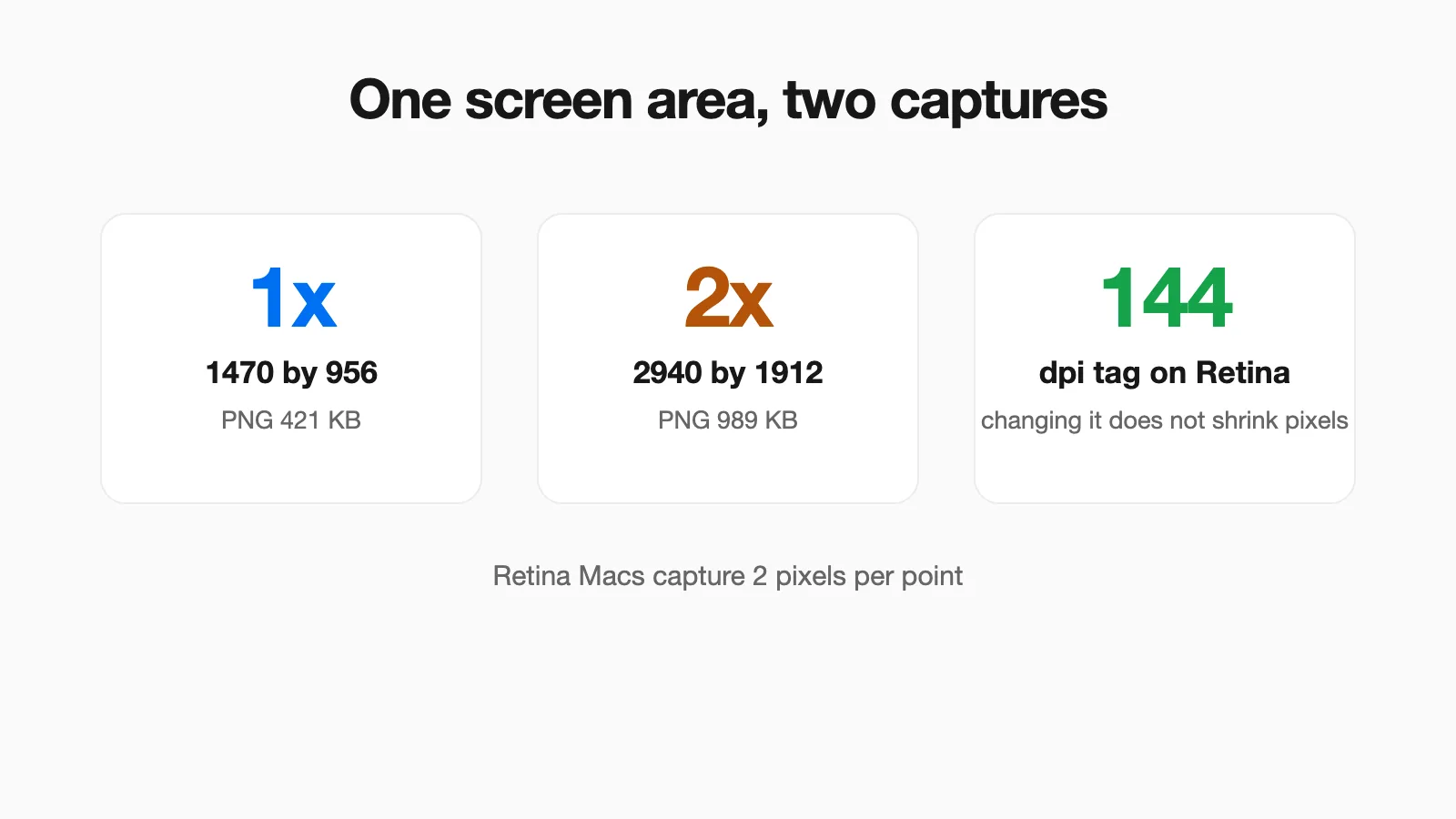 Mac Screenshot Resolution: Why Your Screenshot Has Twice the Pixels You See A Retina Mac captures 2 pixels for every 1 point on screen. Measured dimensions, DPI and file size, plus how to check a screenshot and make a 1x copy.
 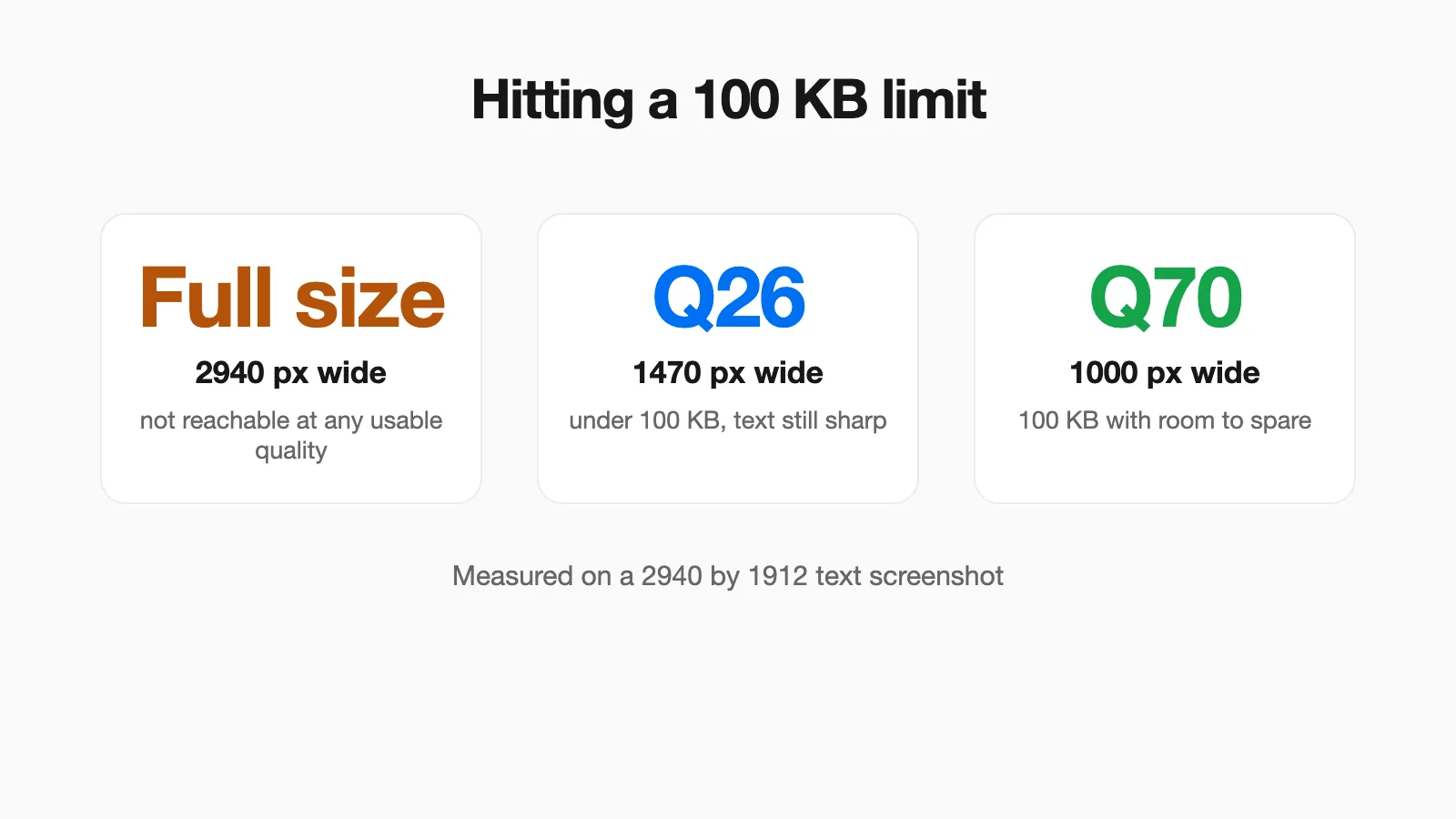 How to Reduce an Image to 100 KB, 200 KB or 1 MB: Measured Settings Measured width and JPEG quality settings that hit 100 KB, 200 KB, 500 KB and 1 MB on a screenshot and a photo, so you can pick them in one try.
 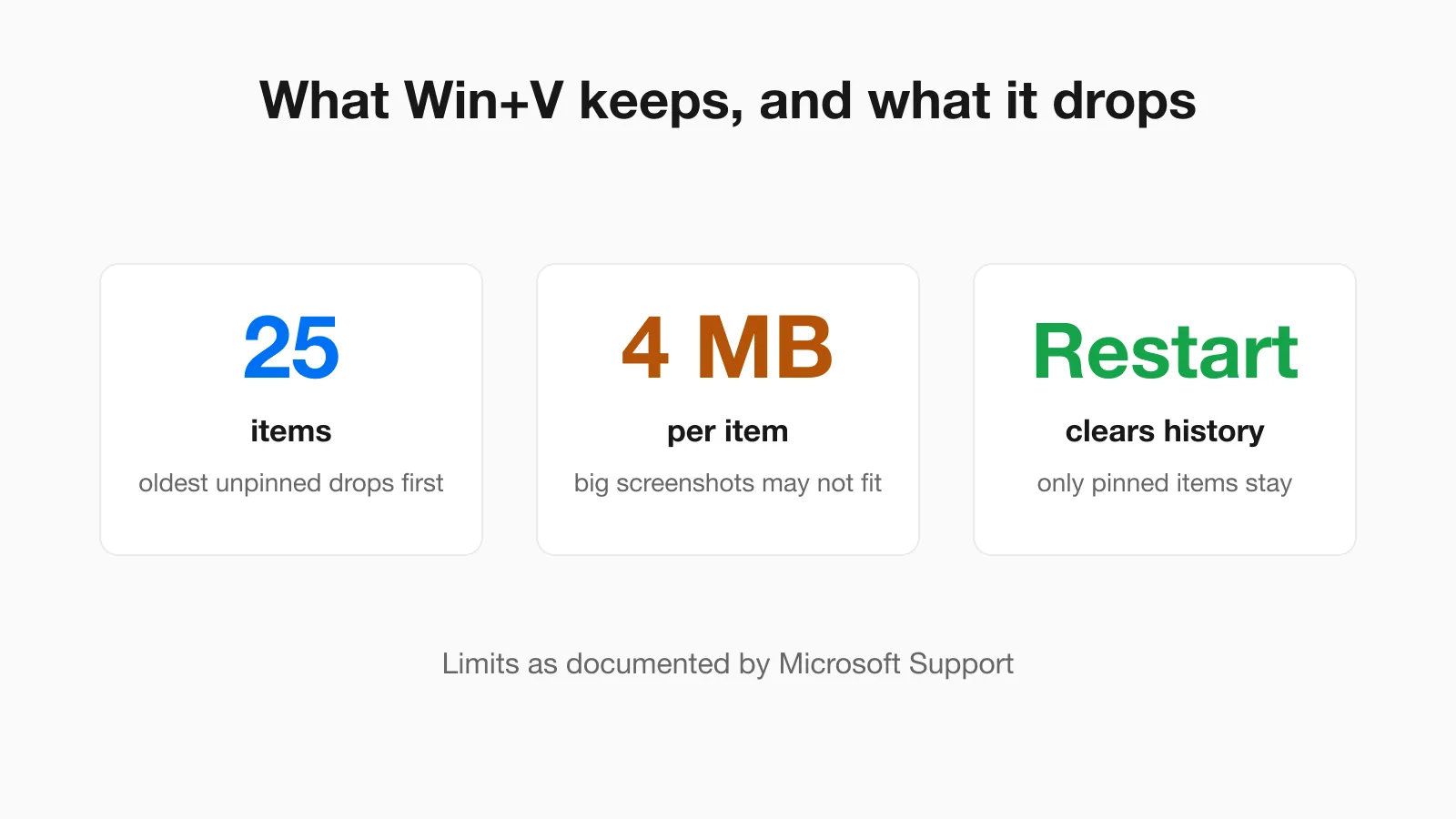 Windows Clipboard History (Win+V) and Screenshots: What It Keeps and Drops Win+V holds 25 items of up to 4 MB each and empties on restart. What that means for screenshots, how to pin and clear, and how to save an image before it disappears.
 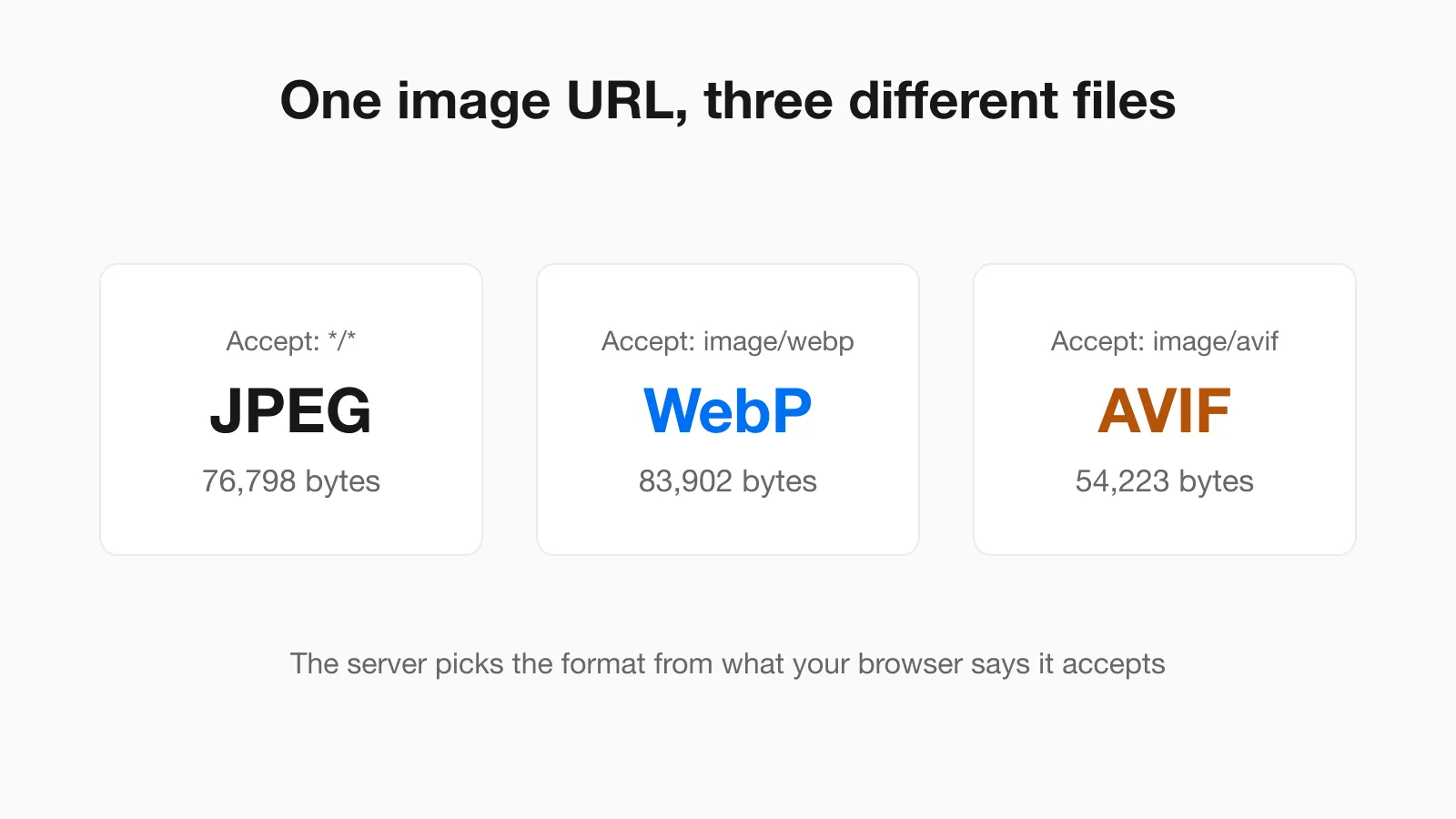 Why Chrome Saves Images as WebP or AVIF, and How to Get a JPG The same image URL returned a JPEG, a WebP and an AVIF depending on one request header. Why Save image as gives the wrong format and what each fix does to file size.
 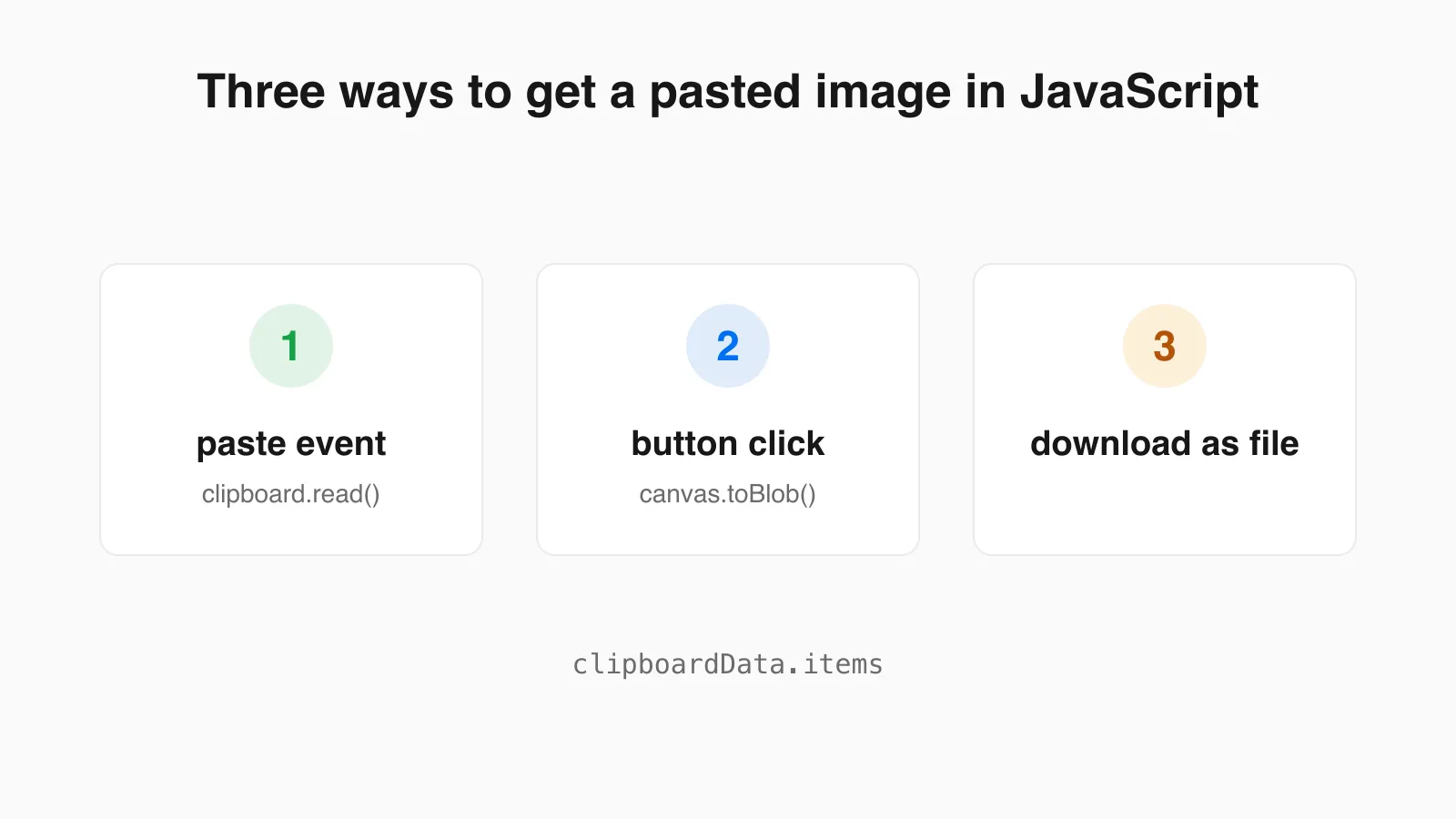 Paste an Image From the Clipboard in JavaScript: Paste Event vs Clipboard API Two ways to read a pasted image in the browser, with working code, results from a real Chrome test, and the canvas pitfalls that turn transparent pixels black.
 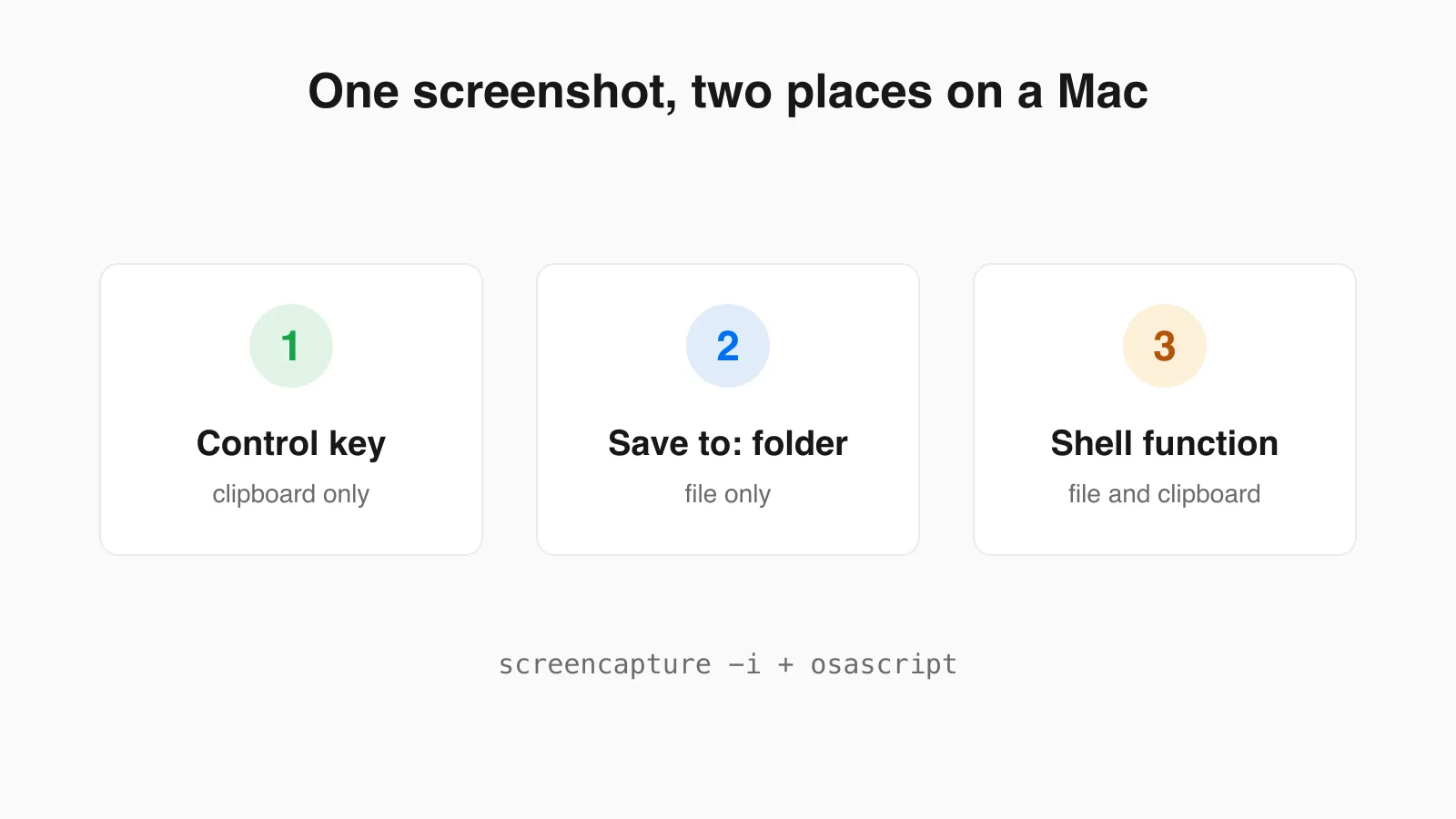 Mac Screenshot to Clipboard and File at the Same Time A Mac sends each screenshot to one place. Here is how to get both at once with a tested shell function, plus the one-off keys and how to copy an existing file to the clipboard.
 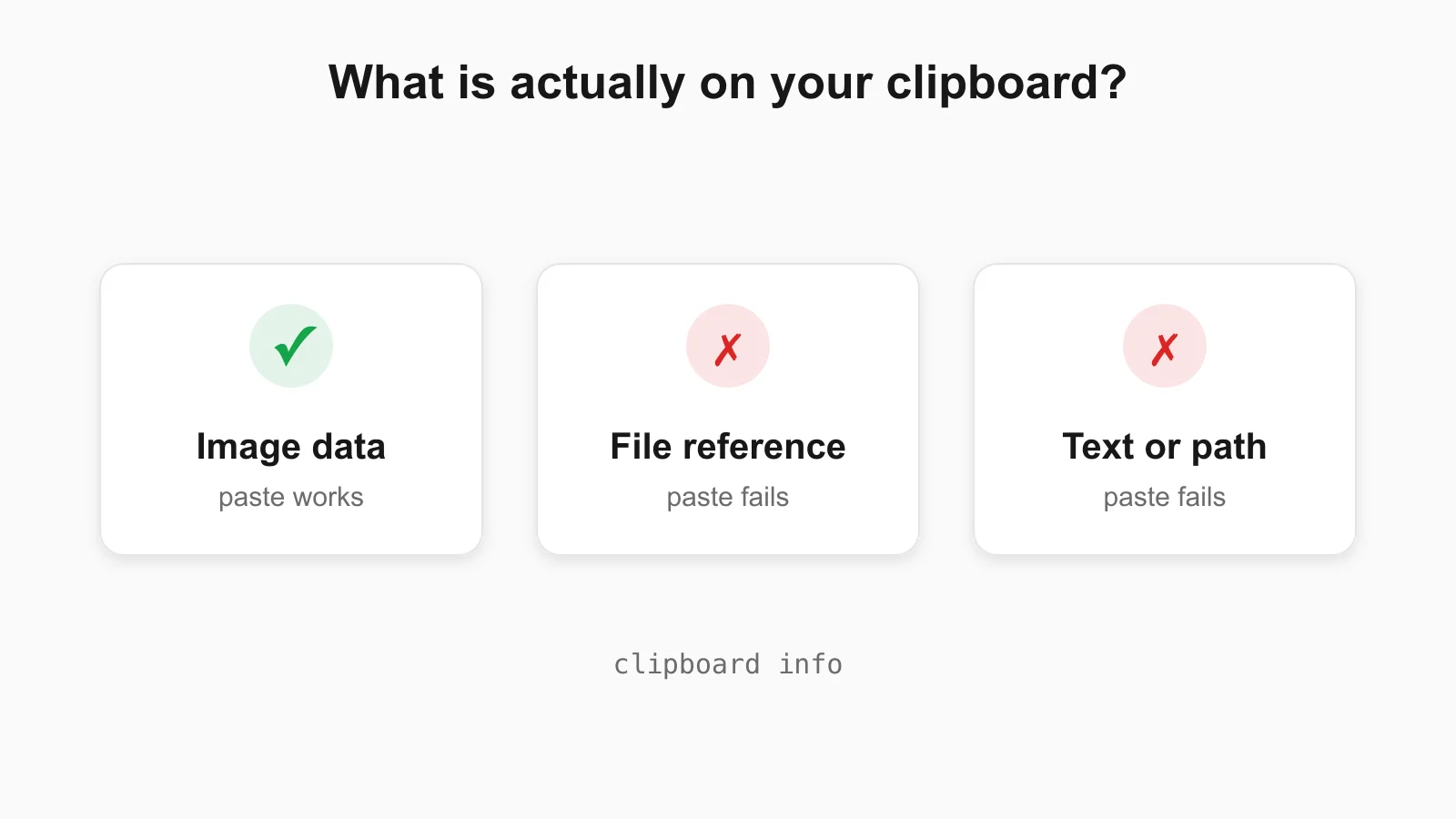 Can't Paste an Image? Check What Is Actually on Your Clipboard When an image will not paste, the clipboard usually holds a file reference or text. Check on Mac, Windows, Linux and in the browser, with real command output.
 ![Illustration of the Ctrl+V shortcut adding an [Image #1] marker to a terminal AI prompt](/blog/paste-image-into-claude-code-terminal.webp) How to Paste a Screenshot Into Claude Code and Other Terminal AI Tools Exact paste keys for Claude Code on Mac, Windows, Linux and WSL, a clipboard check, and fixes for when image paste fails.
How to Paste a Screenshot Into Claude Code and Other Terminal AI Tools Exact paste keys for Claude Code on Mac, Windows, Linux and WSL, a clipboard check, and fixes for when image paste fails. 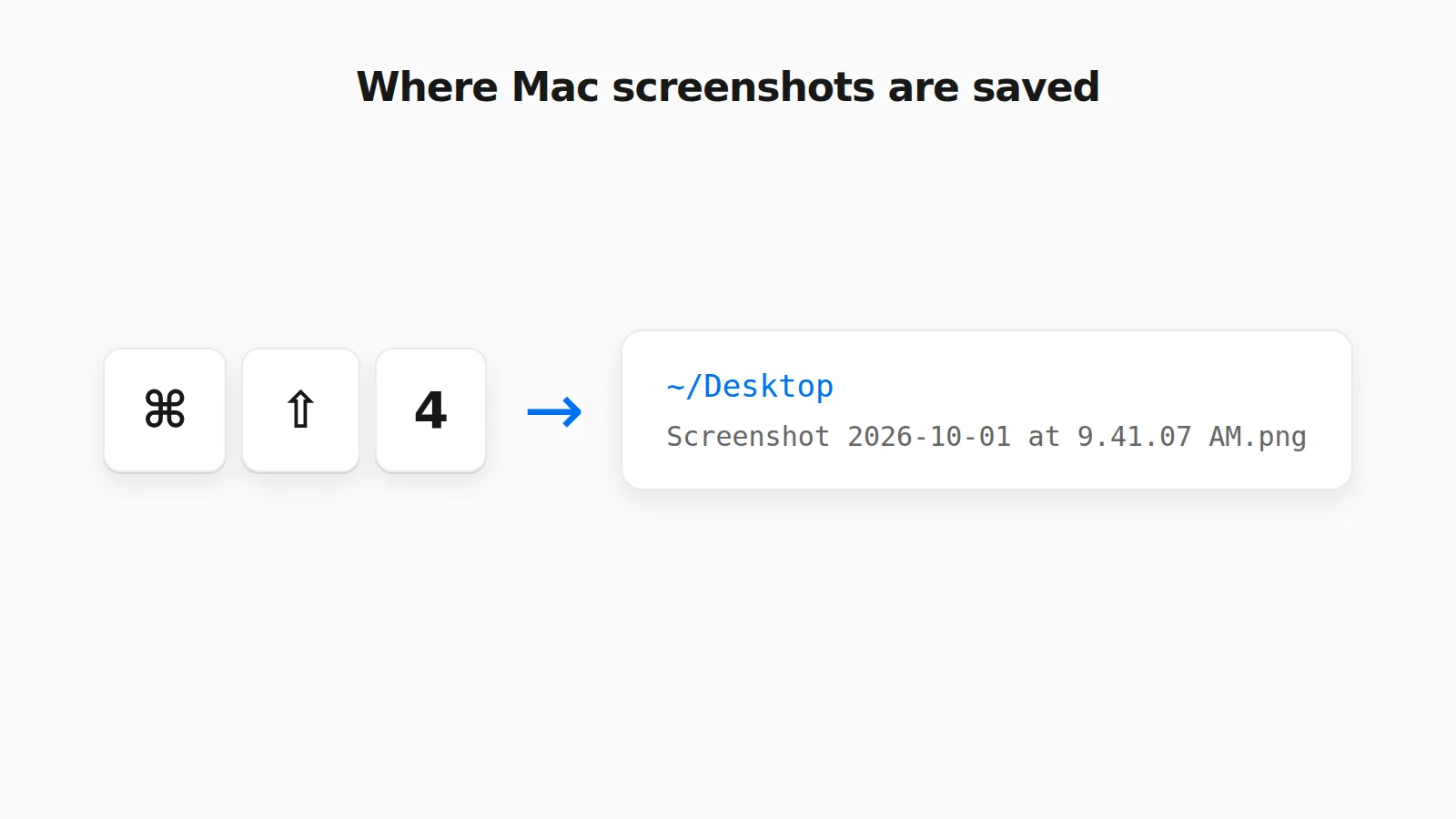 Where Do Screenshots Go on Mac? How to Find Them and Change the Folder Mac screenshots save to the Desktop by default, but not always. Find a missing one, change the folder, or rescue a clipboard-only capture.
 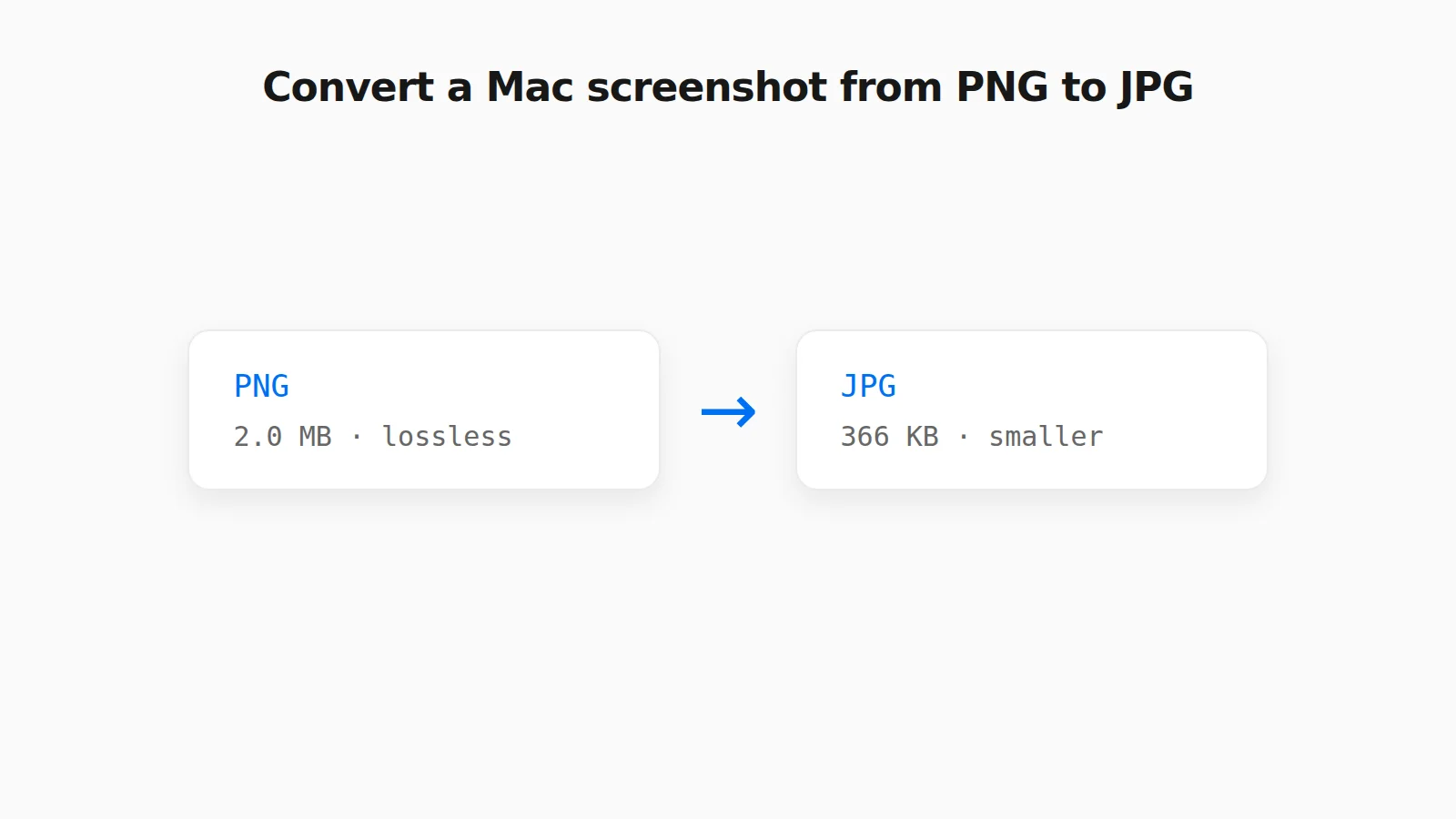 How to Convert a PNG Screenshot to JPG on Mac (4 Ways) Preview, the Finder Convert Image action, a Terminal default, and a browser tool, with real file sizes.
  Why Clipboard Image Paste Behaves Differently in Chrome, Firefox, and Safari The Clipboard API is not implemented the same way everywhere. Here is what actually differs between browsers.
  Saving a Clipboard Image on Android vs iPhone: What Actually Works Mobile clipboard access does not match desktop. Here is the real difference between Android and iOS browsers.
 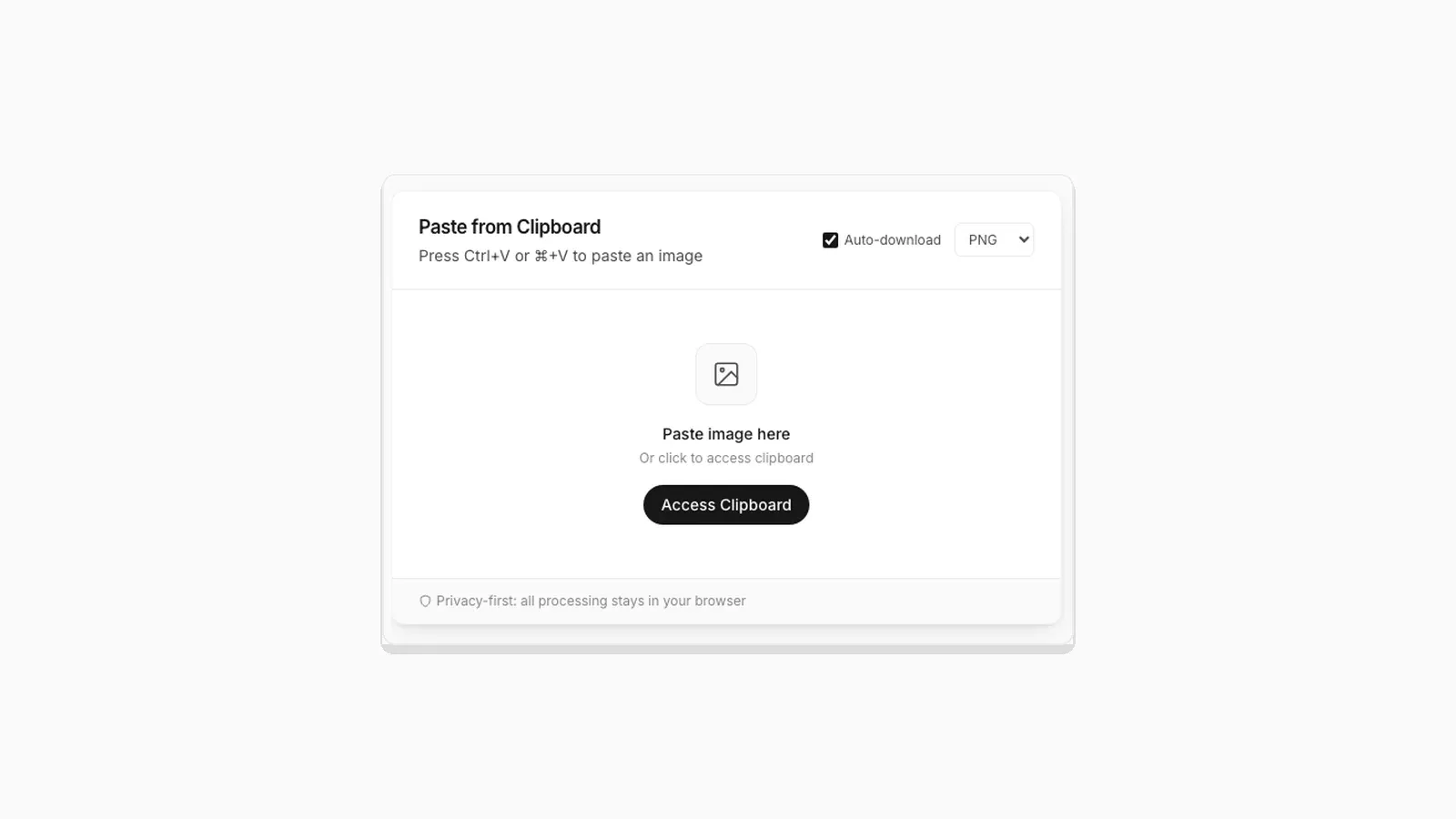 Why "Access Clipboard" Fails, and How to Fix It Clipboard read permission errors explained: browser support, HTTPS requirements, and permission prompts.
  How to Convert a Screenshot to JPG (or PNG or WebP) How to convert a screenshot to JPG in your browser, with real tested file sizes for PNG vs JPEG vs WebP.
  Image Compression Quality Settings Explained, With Real File Sizes What a JPEG or WebP quality number actually changes, shown with real before-and-after file sizes.
  SVG and ICO Quirks You Will Hit When Converting Images in a Browser Vector files and multi-resolution icons do not behave like PNG or JPG. Here is what actually happens when you convert them.
  Favicon Size Guide: Every Size You Actually Need What size a favicon actually needs to be, from 16x16 browser tabs to 512x512 PWA icons, plus format and transparency guidance backed by real numbers.
  Why Re-Saving a PNG Can Make the File Bigger, Not Smaller A browser Canvas re-encode is not the same as a PNG optimizer. Here is the real size difference and why it happens.
  PNG vs JPG vs WebP: Real File Sizes Compared PNG vs JPG vs WebP for quality, transparency, and file size, backed by real measured results, not general claims.
  How to Download a Copied Image on Mac Without Saving to Photos Save clipboard images from your Mac directly as files without Photos, Preview, or extra steps.
  How to Save a Screenshot Directly as a File Without Opening MS Paint Turn Print Screen or Snipping Tool captures into PNG or JPG files without opening an editor.
  5 Faster Ways to Save Clipboard Images Without Software Compare browser-based and built-in methods for saving copied images on desktop and mobile.
  Where Do Screenshots Go on Windows, Android, and iPhone? Screenshots and copied images do not behave like normal files until you save them. Here is where they go on Windows, Android, and iPhone.
  How to Turn a Pasted Screenshot Into an Email Attachment Gmail and Outlook can paste an image straight into the message body, but that is not the same as an attachment. Here is how to turn a clipboard image into a real file first.
 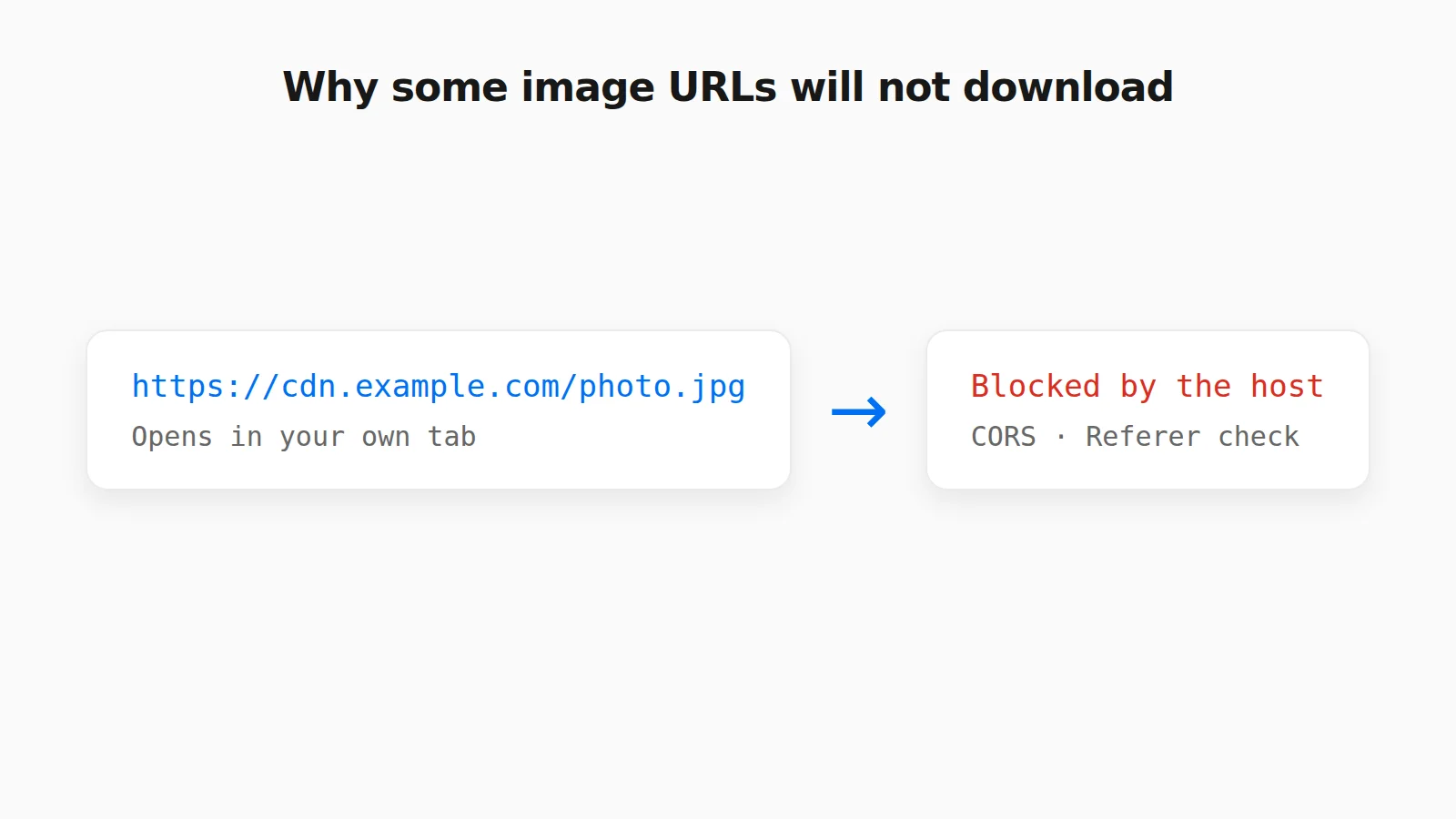 Why Some Image URLs Won't Download (and What to Do Instead) CORS, hotlink protection, expiring links, and pages that are not images: why an image URL will not download in a tool, and what to do instead.
  How to Paste an Image Into an Excel Cell or Google Sheets Ctrl+V drops a picture on top of your cells, not inside one. Here is how to put an image inside an Excel or Google Sheets cell so it sorts and filters with your data.
  How to Paste an Image Into a PDF on Mac or Windows How to paste an image into a PDF with Mac Preview, Adobe Acrobat, and Microsoft Word, and what to do when the image is only on your clipboard.
  How to Paste an Image to Search on Google, Bing, and TinEye Search with a copied image or screenshot without saving it first. How paste-to-search works on Google Lens, Bing Visual Search, and TinEye.