PNG vs JPG vs WebP: Real File Sizes Compared

You are saving an image from your clipboard and suddenly you are staring at a dropdown asking PNG vs JPG vs WebP. Which one should you pick? The PNG vs JPG vs WebP difference comes down to quality, file size, transparency support, and whether the image is a screenshot or a photo. If you still need the basic paste workflow first, read how to save clipboard images without software. Choosing wrong can bloat your storage or make sharp text look fuzzy. Here is what you actually need to know.
What Makes PNG, JPG, and WebP Different?
Each image format uses a different compression method, which affects how the final file looks and how much space it takes up.
PNG (Portable Network Graphics) uses lossless compression: it keeps every pixel exactly as it was. The tradeoff is larger file sizes. PNG supports transparency, which makes it the right choice for logos, icons, or screenshots with sharp text.
JPG (or JPEG) uses lossy compression, meaning it throws away some visual data to shrink the file. You can control the compression level, but crank it too high and you will see ugly artifacts. JPG does not support transparency. It is ideal for photographs and complex scenes where a slight quality loss is invisible.
WebP is Google's modern format designed to replace both PNG and JPG. It supports lossy and lossless compression plus transparency (alpha channel). Per Google's own WebP compression study, lossy WebP runs 25-34% smaller than comparable JPEGs at equivalent quality, and lossless WebP runs about 26% smaller than PNG; for images with transparency specifically, lossy WebP can be roughly 3× smaller than PNG. Browser support is now universal: Chrome, Firefox, Safari, and Edge all handle it.
PNG vs JPG Quality: What Actually Changes
PNG loses nothing: decompress a PNG and you get back the exact same pixels that went in, every time, no matter how many times you re-save it. JPG's quality loss is one-directional and cumulative. Each JPG save throws away some visual data for good. Re-saving an already-compressed JPG at the same quality does not restore what the first save discarded. It adds new losses on top. That is why editors warn against repeatedly opening and re-saving the same JPG. Where the difference shows up depends on the content. Sharp edges and flat colors (text, line art, UI screenshots) show JPG's blocky artifacts fastest. Photos with lots of natural detail and gradients can take moderate JPG compression with no visible difference. That is also exactly why PNG works so well for screenshots and JPG works so well for photos, not an arbitrary convention.
Quick Comparison: WebP vs PNG vs JPG
| Format | Best for | Compression | Transparency |
|---|---|---|---|
| PNG | Screenshots, logos, UI, text | Lossless | Yes |
| JPG | Photos and realistic images | Lossy | No |
| WebP | Web images, mixed content, smaller files | Lossy or lossless | Yes |
WebP vs PNG: Which Is Better?
For screenshots, logos, and graphics with flat colors, PNG is the safest choice because it preserves every pixel and keeps text crisp. But WebP vs PNG is more interesting when file size matters. WebP lossless can keep similar visual quality while producing a smaller file, and WebP also supports transparency.
If you are asking "is WebP better than PNG?", the answer is usually yes for web publishing and storage efficiency, but not always for maximum compatibility with older editing apps. Use PNG when you need a universally editable source file. Use WebP when you want a smaller finished file for a website, message, or download.
WebP vs JPG: Which Is Better?
For photos, WebP vs JPG usually comes down to file size. WebP can often match JPG quality with a smaller file, especially when the image will be used online. JPG still wins when you need maximum compatibility with older apps, cameras, and upload forms.
If you are asking "is WebP better than JPEG?", WebP is often better for websites because it loads faster at similar visual quality. JPG is still a practical choice for email attachments, photo archives, and workflows where every app needs to open the file without question.
When to Use PNG vs JPG vs WebP
Use PNG when you need crisp edges, transparent backgrounds, or text-heavy images. Screenshots, UI mockups, and logos all belong in PNG. If your image is a Windows capture, the guide to save a screenshot directly as a file explains the fastest capture-to-download flow.
Use JPG when file size matters more than perfect quality. Photos from your phone, product images on a store, and social media graphics are all great candidates for JPG. The visual difference is usually invisible at moderate quality settings (80–90%).
Use WebP when you want the smallest possible file without sacrificing quality. If you're publishing on the web, WebP is often the smartest choice. Many sites now serve WebP by default and fall back to PNG or JPG for older browsers.
Still unsure? A simple rule: need transparency, use PNG; saving photos, use JPG; publishing on the web, try WebP. For a full picture of the WebP format explained, think of it as the successor that combines many strengths of both older formats. None of the three are the right answer when you need a scalable icon or logo instead of a fixed-resolution raster image; that is its own set of tradeoffs covered in SVG and ICO conversion quirks.
Real File Sizes From Converting Two Test Images
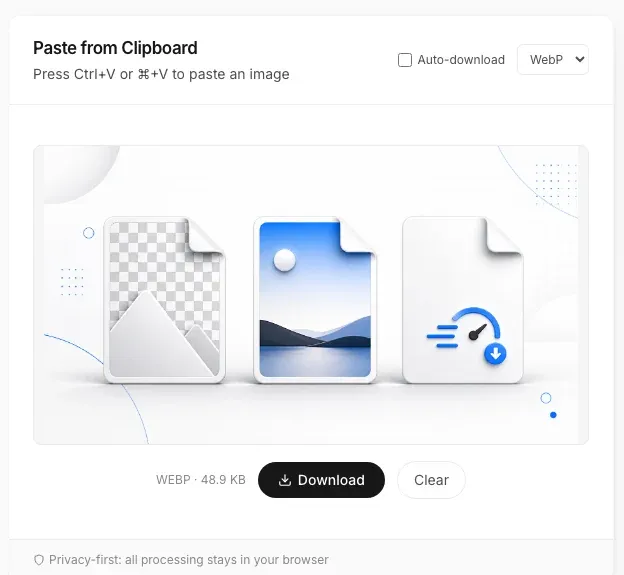
Numbers are more useful than general claims, so here is what actually happened when I ran two real files through PasteDownloadApp in Chrome 151 on macOS 26. Both conversions used the tool's default output quality of 92%.
| Test file | Original | Re-saved as PNG | JPEG (92%) | WebP (92%) |
|---|---|---|---|---|
| Gradient illustration, 1672×941 | 1.15 MB | 1.93 MB | 128.3 KB | 48.9 KB |
| UI screenshot with text, 624×575 | 140.2 KB | 231.5 KB | 37.6 KB | 16.8 KB |
Two things stand out. First, WebP was smaller than JPEG on both files, by roughly 60% on the illustration and 55% on the screenshot, which tracks with what Google's own WebP documentation claims. Second, and less expected: choosing PNG as the output format did not preserve the original file size, it made both files larger. That is worth its own explanation, which I cover in why re-saving a PNG can make the file bigger.
How to Convert Clipboard Images Between Formats Online
You don't need Photoshop or a download. Here's how to convert an image using a browser-based tool:
- Copy any image to your clipboard (screenshot, downloaded photo, or copied from a web page). Mac users can also follow the dedicated guide to download a copied image on Mac.
- Open the paste image to download tool at pastedownloadapp.com.
- Click the paste zone or press Ctrl+V (Cmd+V on Mac) to paste your image.
- Pick your output format (PNG, JPG, or WebP) from the dropdown.
- Click Download. The converted file saves instantly to your device.
No uploads, no sign-ups, no file size limits. Everything stays on your machine.
PNG vs JPG vs WebP: Common Questions Answered
Is WebP better quality than PNG?
It depends. WebP lossless is comparable to PNG in quality but produces smaller files. WebP lossy can match JPG quality at lower file sizes. If you are optimizing for the web, WebP often wins on both quality and size.
Is WebP better than JPG?
For web pages, WebP is often better than JPG because it can create smaller files at similar visual quality. For older apps, photo archives, and maximum compatibility, JPG is still a safe choice.
Is WebP lossless better than PNG?
WebP lossless can be smaller than PNG while preserving image detail, but PNG remains easier to edit and widely supported across older tools. Use WebP lossless for web delivery and PNG for source screenshots or graphics.
Can I convert PNG to JPG without losing transparency?
No. JPG does not support transparent pixels. When you convert png to jpg online, transparent areas will be filled with a solid color (usually white). If you need transparency, stick with PNG or use WebP.
PNG or JPG for printing?
PNG, if the source allows it. Print workflows generally want the highest-fidelity source available, and PNG's lossless compression means no generational quality loss going into a print RIP. JPG at a high quality setting (95%+) is an acceptable substitute when PNG is not available, since the visible difference at that quality level is minimal for most printed photos.
Does converting between formats reduce image quality?
Going from lossless PNG to lossy JPG or WebP lossy will reduce quality permanently. Converting lossy to lossless does not restore lost data. Always keep your original if you might need it later.
Which image format loads fastest on a website?
WebP generally loads fastest thanks to its smaller file size, which means less data to download. JPG is next, and PNG loads slowest for large images, consistent with the roughly 30% average size reduction Google's own WebP study reports across formats.
Related Guides
 Why Re-Saving a PNG Can Make the File Bigger, Not Smaller A browser Canvas re-encode is not the same as a PNG optimizer. Here is the real size difference and why it happens.
  Image Compression Quality Settings Explained, With Real File Sizes What a JPEG or WebP quality number actually changes, shown with real before-and-after file sizes.
  Favicon Size Guide: Every Size You Actually Need What size a favicon actually needs to be, from 16x16 browser tabs to 512x512 PWA icons, plus format and transparency guidance backed by real numbers.
  How to Turn a Pasted Screenshot Into an Email Attachment Gmail and Outlook can paste an image straight into the message body, but that is not the same as an attachment. Here is how to turn a clipboard image into a real file first.
 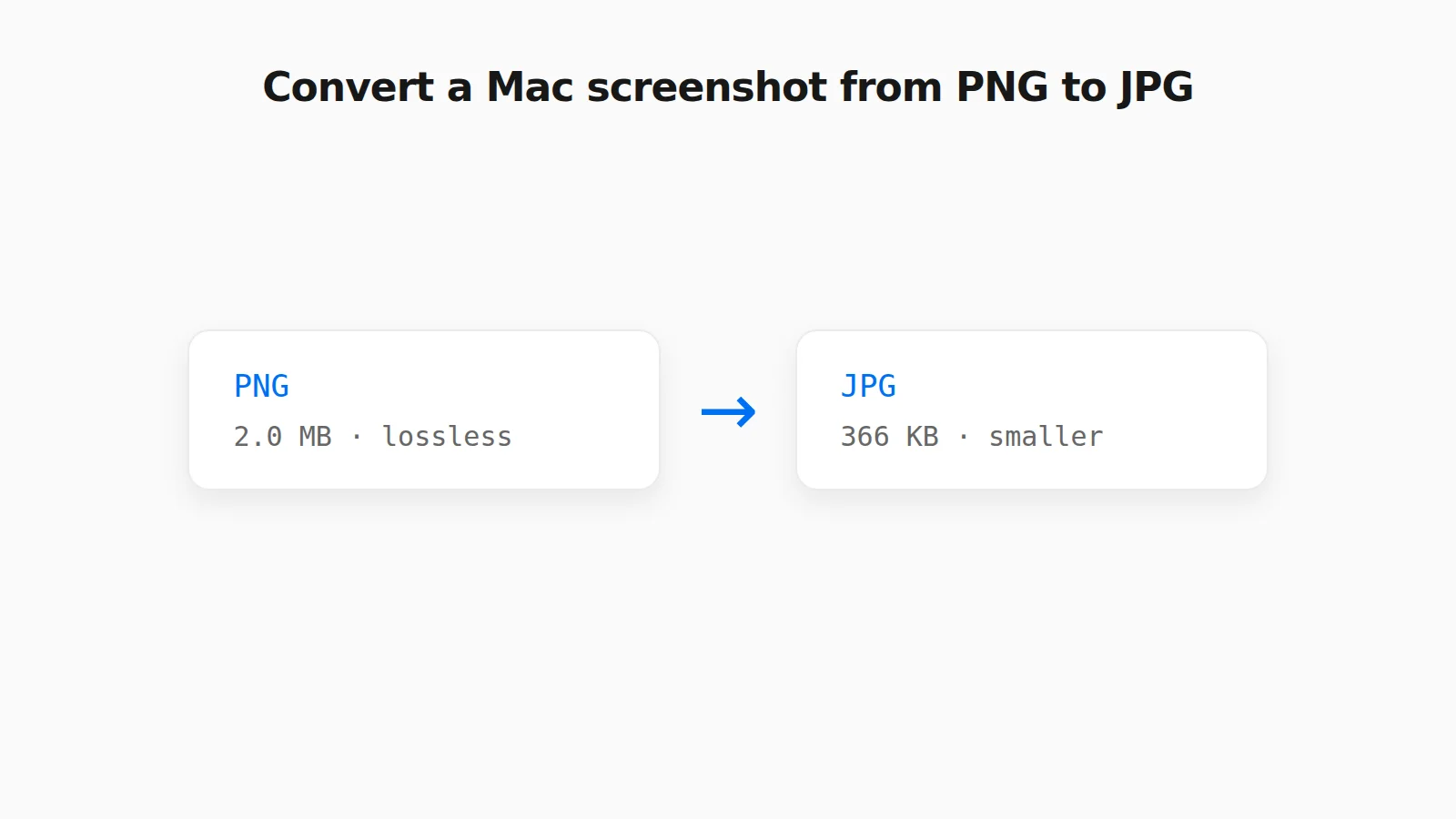 How to Convert a PNG Screenshot to JPG on Mac (4 Ways) Preview, the Finder Convert Image action, a Terminal default, and a browser tool, with real file sizes.